

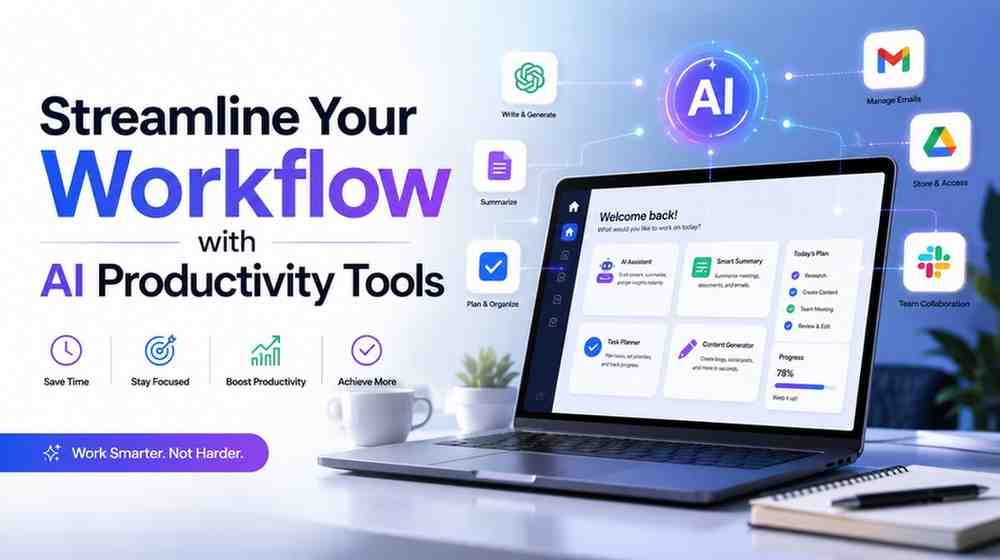
They accumulate more quickly than you can click “delete. This is the reason why 35% of employees spend up to 5 hours each day just dealing with their emails, instead of focusing on more important stuff. However, this doesn’t mean that you should accept the fact that your inbox is controlling your life. There are special tools based on artificial intelligence which will help you manage your productivity. I’ll discuss how AI (think AI tools like Jasper and Google AI Assistant) can help you shift from being overwhelmed to organised in this piece.
The Actual Price of Digital Clutter
The overwhelming nature of communication is demonstrated in a recent report from the 2025 Microsoft Work Trend Index. An average knowledge worker responds to 117 emails every day. Workers receive more than 150 messages a day on average by midmorning, when messaging services like Microsoft Teams take over.
There are severe digital disruptions all the time. During core work hours, employees encounter an interruption around every two minutes. This results in around 270 diversions every day. Therefore, it is now difficult to focus and complete deep work.
The main idea behind the philosophy of productivity called “Inbox Zero” is to organize your emails in such a way that they do not distract you and cause any kind of stress.
This matters because having an inbox full of emails creates mental task lists. Every unread email creates an “open loop,” which is distracting and stressful.
By making your inbox not a source of stress but rather a well-organized task center, the practice of Inbox Zero can break this loop by relieving you from decision fatigue and allowing you to understand what really needs to be done by creating mental room for constant concentration.
AI-Powered Tools to Help You Achieve Inbox Zero
It can be difficult to stay productive and manage your email. AI solutions can help you prioritise critical tasks and automate repetitive tasks while preserving your creativity and originality. Additionally, automating phone conversations is just as simple as automating email correspondence. The members of your team will not be disturbed by incessant phone calls since there is a call answering AI system that is able to receive incoming calls 24/7, greet the callers, and redirect them to the right individual.
Here are some ways through which AI can assist you in concentrating and organizing your emails.
AI-Driven Email Administration
Incoming communications are sorted and prioritised by AI email tools according to your preferences and habits. For instance, Outlook’s Microsoft Copilot provides a brief synopsis of a full email exchange.
Other well-liked tools consist of:
- Superhuman: AI-powered follow-up reminders and quick email triage.
- SaneBox: Compiles inbox activity and filters irrelevant emails.
- Google Gmail Smart Reply & Priority Inbox: Organises critical emails and offers prompt responses.
Important characteristics of AI email tools:
- Sorting and prioritising automatically
- Intelligent filtering for spam, advertising, and newsletters
- Summaries of email threads
- Reminders for follow-up
- Unsubscribe recommendations
How to Construct an AI Productivity Stack
You must comprehend your particular workflow issues and select the appropriate technologies to solve them in order to create an efficient AI productivity stack. Create a system that evolves with you and consistently clears your mind by following these instructions.
Determine Your Obstacles
Examine your daily job and identify any areas where you become stuck or sidetracked. Is it excessive meetings, never-ending emails, or monotonous work? Selecting the best AI model is made easy when you are aware of your problems.
Select Your Essential AI Resources
Select AI solutions to alleviate your most pressing problems. These may be virtual schedulers, intelligent writing aids, or AI triage tools. To prevent more complications, give priority to products that function well with your existing workflow.
Begin modestly:
An excessive amount of email? Try programs like Shortwave, Gmail’s Smart Reply, or Superhuman.
Too much writing or responding? You can write more quickly and with less back and forth by using GrammarlyGO, Jasper, or ChatGPT.
Too many gatherings? To stay on schedule, use Reclaim, Motion, or Notion Calendar.
Do you require more effective goal-oriented coaching for your professional growth? To encourage more individualised development and improved team cohesion, try Marlee.
You’re not only streamlining processes when you incorporate agentic AI into your productivity stack; you’re also building a self-regulating system that minimises decision fatigue, gets rid of tedious jobs, and keeps up your digital workplace with little help. Your email becomes a simplified, self-cleaning task hub instead of a source of worry thanks to this latest development in AI.
AI can also be used to pinpoint your day’s frustrations. For example, the use of employee monitoring software such as Controlio that can enable you to pinpoint your development areas through patterns of how your time is utilized. Task automation with the aid of AI helps streamline the process of working on critical tasks while ignoring distractions like endless emails.
Conclusion
Although inbox overload cannot be eradicated completely, you could stop worrying about it altogether. You will get rid of the mess, free up some time and restore focus using the appropriate AI tools and your daily practices. Do not try to reinvent everything overnight. Try implementing just one practice, using one tool and making just one change to begin with. Things will be clearer after that.